 Save up to $1,392 on Intercom
 Save up to $792 on Crisp
 Save up to $624 on Help Scout
Free
$0/month
Everything you need to get your first conversations flowing.
- Live chat widget (customizable)
- 30 active threads per month
- 3 team seats
- Core help center essentials
- Slack integration
No credit card required
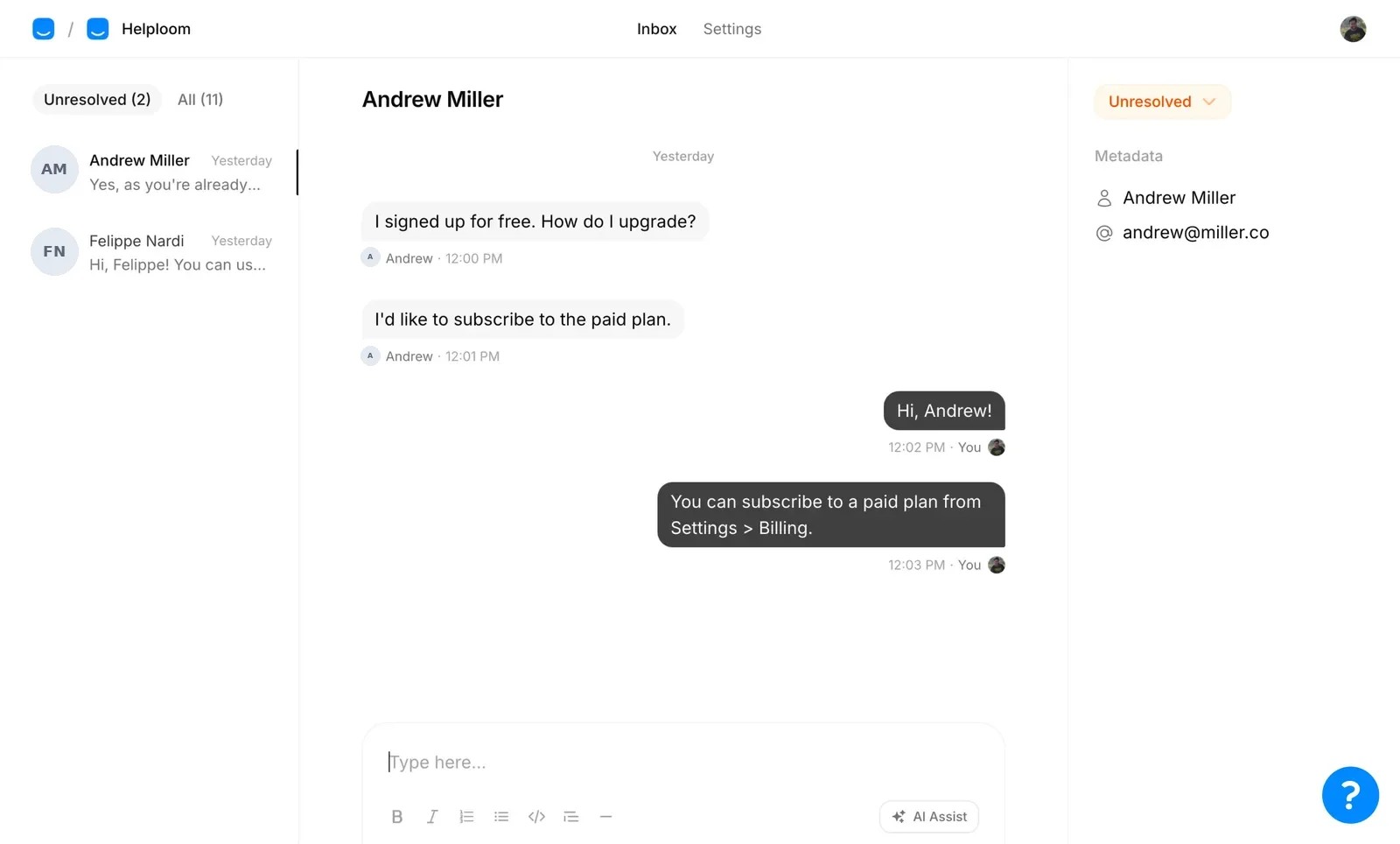
Live chat, a help center and an AI agent in one shared inbox. Add your whole team for one flat monthly price.
Setup takes three minutes. No credit card required.
Used by teams at


Helploom has been a game changer for us at WisdomCircle! Addressing users queries in real-time has boosted conversion to sign ups and other key metrics within days. The AI chatbot is available 24x7, answering queries especially when our team isn't available. I was also super amazed at how quickly it got set up and we went live within 20 mins. If you care about your users, you must get Helploom!
 Joanna SundharamHead of Product at WisdomCircle · Read the case study
From the WisdomCircle case study
ZoomShift's own reported results
They easily trained the AI to respond better and to flag things that need a person's attention.
 Sayury ObandoCustomer Support at ZoomShift
Let AI answer. Step in when needed.
Helploom's AI agent answers customers around the clock from your own content. When it can't find an answer, it hands the conversation to your team.
Unlimited conversations, unlimited team members and a help center on one flat monthly price. Most help desks charge for every teammate. Five agents on Zendesk Suite Team costs $345 a month. On Helploom, your whole team is $29.
| Feature | Helploom | Crisp | Intercom | Help Scout | Zendesk |
|---|---|---|---|---|---|
| Live chat | Unlimited | 100 customer profiles | Unlimited | 100 contacts | Suite Team and up |
| Agents/users | Unlimited | 4 | 1 | Unlimited | Priced per agent |
| Help center | Unlimited | $95/m | Unlimited | Unlimited | Suite Team and up |
| Starts at | $29/m | $45/m | $39/m per agent | $55/m | $69/m per agent |
| AI agent | $59/m | $95/m | $0.99 per resolution | $75/m | $1.50–$2.00 per resolution over the included amount |
Zendesk prices from zendesk.com/pricing, checked Nov 9, 2026: Suite Team, billed monthly ($55 per agent billed yearly). Zendesk includes a set number of AI resolutions per agent each month.
No disappearing messages and no per-agent fees. Invite your whole team on paid plans for one monthly price.
Write articles in a simple editor and publish them under your own brand.
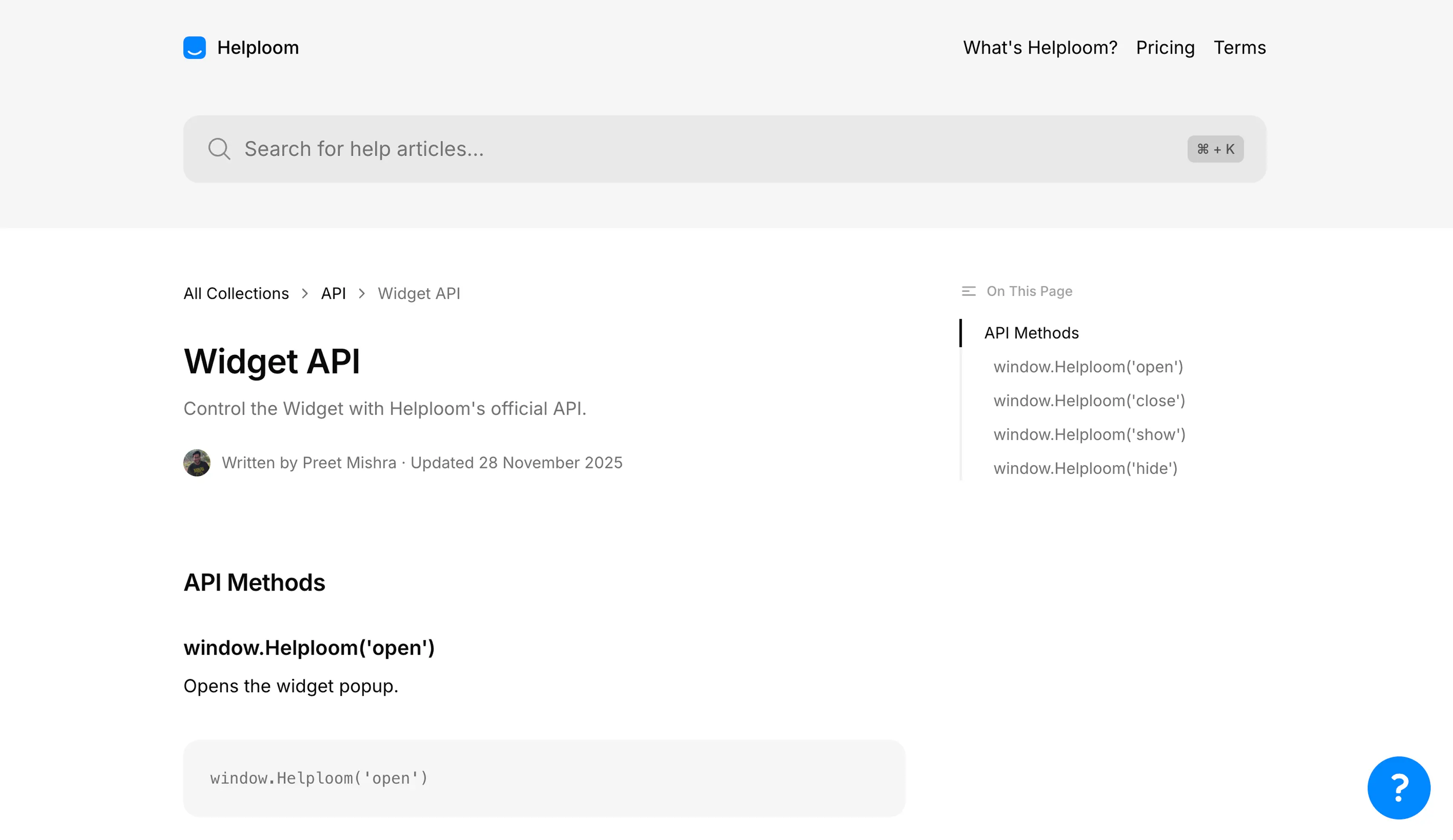
Copy and paste the Helploom code snippet into your website. Your chat widget is ready to go.
<script type="text/javascript">
window.helploomSettings={clientId:'hl-xyxxpp'};…
</script>Use Helploom's API to pass logged-in user details, so your team knows who they're talking to.
window.Helploom("identify", {
  uniqueId, name, email
});That's it. You're ready to answer questions, manage conversations and help customers whenever they need you.
Start free. Upgrade for unlimited conversations and team members. Add AI when you're ready.
$0/month
Everything you need to get your first conversations flowing.
No credit card required
$29/month
Unlimited conversations. Unlimited team members. One monthly price.
Recommended
$59/month
Everything in Base, plus an AI agent trained on your own content.

We built Helploom because support tools kept charging by agents, customers or messages. It felt like paying a penalty for growing. Helploom is our attempt at support software that's simple and fair.
The Helploom team
Anything else? Ask us in the chat, or contact support.
Yes. The free plan includes 30 active conversation threads per month, three team members, and core live chat and help center features. You don't need a credit card to get started.
No. Base and Plus include unlimited team members, so you can add people to your support team without paying for extra seats.
It answers customer questions using your knowledge base: website content, documents, links and FAQs. When it can't find an answer, it hands the conversation to your team.
Yes. Paste a small code snippet into your site and the live chat widget appears. There's also an official Framer plugin and a Slack integration.
Yes. The AI agent supports more than 50 languages and replies in the language your customer is using.
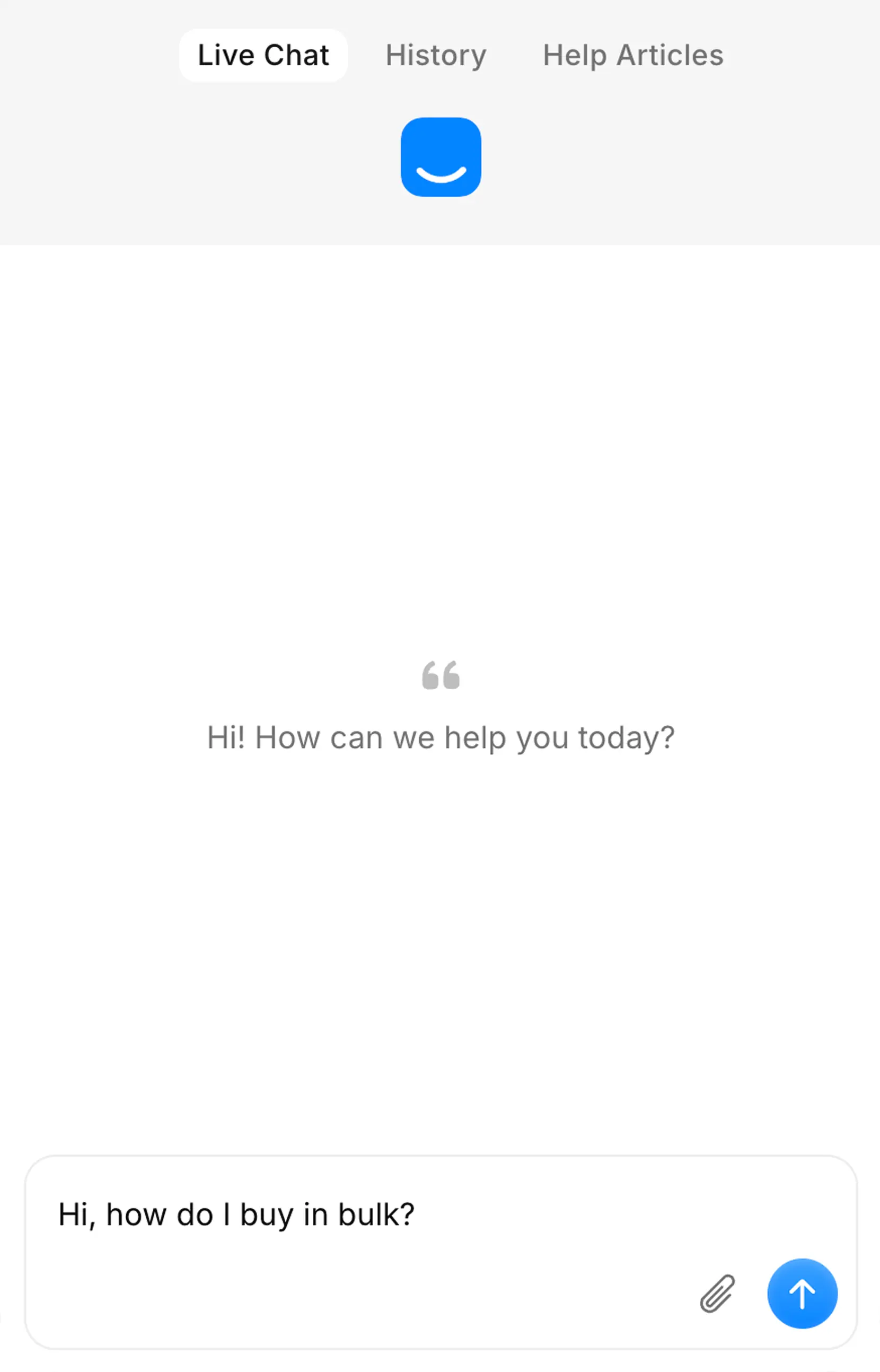
Give customers a way to reach you, find answers and get help, even when your team is offline.
Start free. Setup takes three minutes.